UTM tracking for social media campaigns in Google Analytics
Updated:
SoneBoost Research & Infrastructure Team · 2 min read · Guide
Key Takeaways & Quick Answer
Use UTM parameters on links from social posts to identify which placements bring visitors to your website. Give each campaign one consistent name, use a separate content label for each creative, and compare sessions and completed actions over the same period. A tagged link can identify a visit even when several posts promote the same page.
- Which UTM parameters belong on a social link?
- How do you test a link before publishing?
- Which GA4 numbers answer the campaign question?
Managing campaigns or reselling at scale? Compare live service rates →
Which UTM parameters belong on a social link?
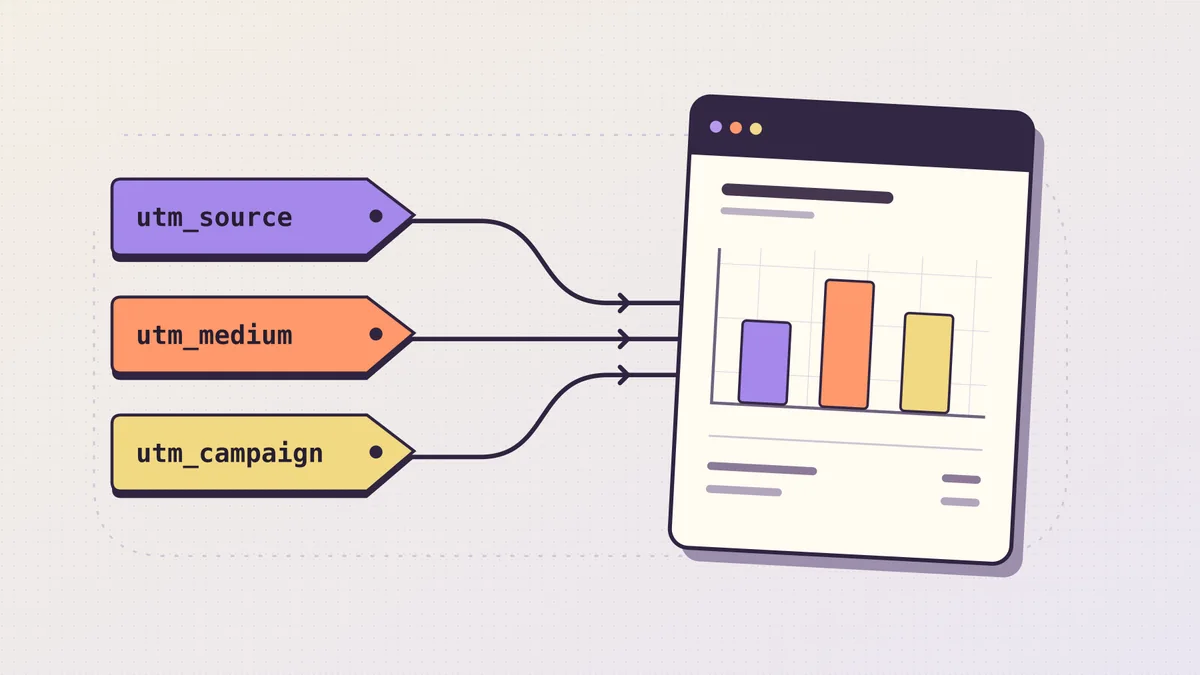
Start with the page readers need after clicking. For a studio running a workshop, that is the booking page. Set utm_source to the referring platform, utm_medium to your agreed channel label and utm_campaign to the launch name. Use utm_content to distinguish a Story demonstration from a profile link.
https://example.com/workshop?utm_source=instagram&utm_medium=social&utm_campaign=autumn-workshop&utm_content=story-demoKeep a shared sheet with the placement, final URL, publication date and owner. Pick one spelling for each recurring value. A team that alternates between Instagram and instagram will have separate rows to reconcile in its report.
How do you test a link before publishing?
Paste the tagged URL into the actual publishing field. In a mobile preview, follow it through any shortener or link-in-bio page. Inspect the final landing address and check whether the original tags survived. If the destination already contains a question mark, append new parameters with an ampersand before any fragment.
Keep customer details out of parameter values. People can copy and share the full URL. Use a label such as story-demo, then record private client information separately in your own planning sheet.
Which GA4 numbers answer the campaign question?
In Traffic acquisition, compare the session campaign with the session source and medium for the launch dates. Choose a measured outcome such as a completed workshop registration. If the outcome event was added halfway through the launch, restrict the comparison to dates when both placements recorded it.
Suppose the Story brought 80 sessions and four distinct sessions with a registration. The profile link brought 40 and three. The registration-session shares are 5% and 7.5%. The Story produced more registering sessions, while the smaller profile sample had a higher share. Both facts belong in the report.
What if clicks and sessions disagree?
Record platform link clicks, analytics sessions and confirmed bookings in separate columns. Repeat clicks, consent settings and redirects can affect the comparison. A link forwarded to a friend keeps its labels. Treat the source as information about the shared URL and investigate with a controlled test before drawing conclusions.
Reference Google Analytics
Connect your campaign workflow
REST API access, user balance transfers and order scheduling help keep client operations organised.
Resellers & AgenciesFrequently asked questions
Where can I compare current service rates?
Open live pricing to review available services, current rates, quantity limits and delivery terms before confirmation.
Can I automate orders for clients?
The REST API supports catalogue access, supported order placement and status checks. Protect API keys and review each service specification.
Does purchased engagement guarantee organic growth?
Delivery metrics do not guarantee authentic audience response, monetization approval, verification or sales. Platform policies and audits still apply.
Plan your next campaign
Compare current rates, review service conditions and start with a small test.
Create Free Account ↗ View Live Pricing ↗ Resellers & Agencies